

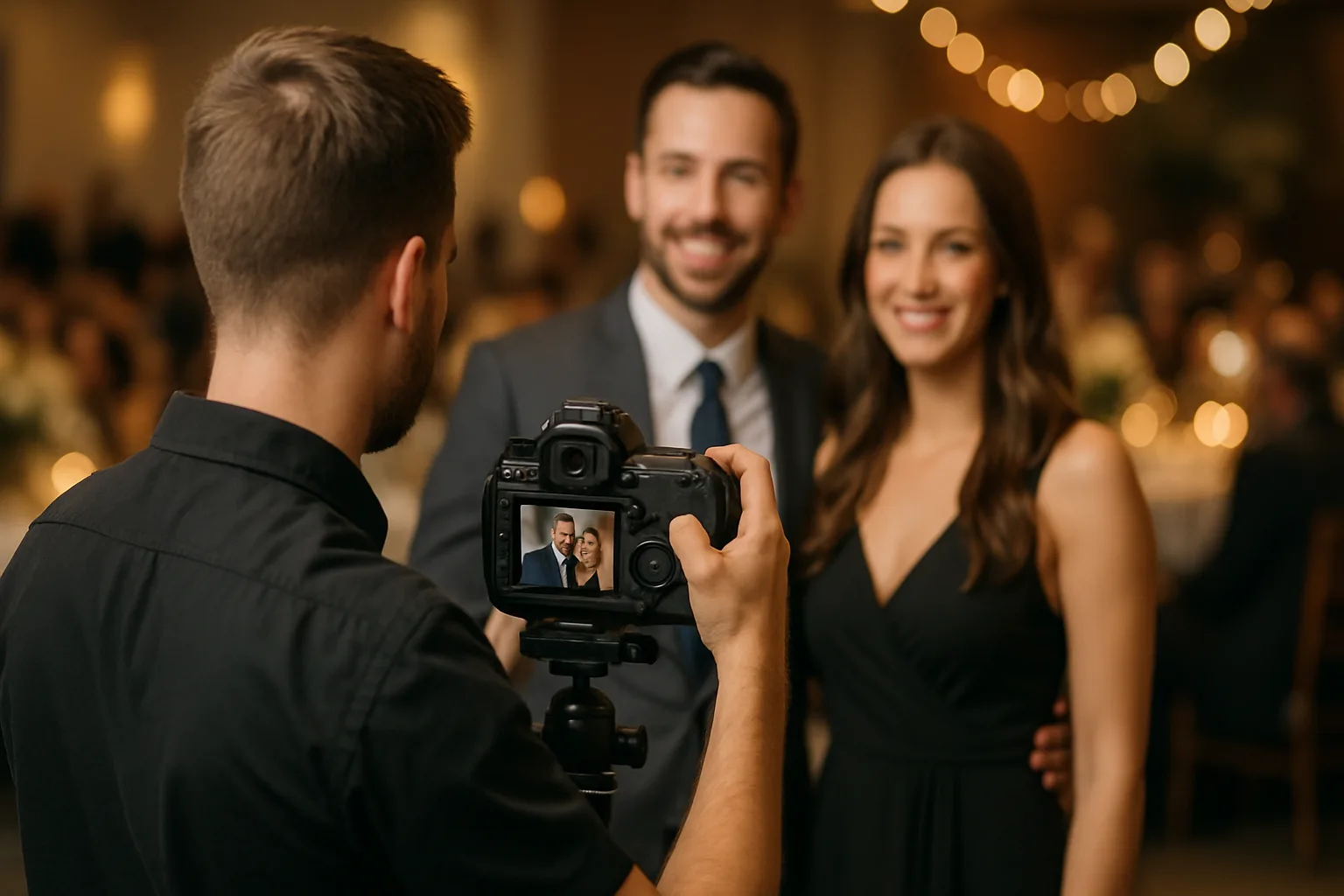
A step-by-step guide for new photographers getting started with SnapNest.
Welcome to SnapNest! Here is how to create your first event gallery in under 5 minutes.
Step 1: Create an Event — Go to your dashboard and click 'New Event'. Enter the event name, date, and optional PIN codes.
Step 2: Customize the Design — Choose a gallery template and apply your branding. Upload your logo and set color preferences.
Step 3: Upload Photos — Drag and drop your images or use the bulk upload tool. Our chunked system handles large batches reliably.
Step 4: Share the Gallery — Generate a share link or QR code. Send it to your client or display it at the venue.
Step 5: Monitor Engagement — Track views, downloads, and face searches from your event analytics dashboard.
That is it! Your gallery is live and ready for guests.
Related Articles
Google Drive Import: Bulk Upload Made Easy
Import entire photo albums from Google Drive with a single click.
FTP Camera Tethering: The Ultimate Live Event Setup
Connect your camera via WiFi and auto-import photos to your gallery every 2 minutes.
Complete Guide to PIN-Protected Galleries
Learn how to secure your event galleries with separate Admin and Guest PINs.
AI photo gallery for photographers
Deliver event photos with face search, QR sharing, and WhatsApp — no Google Drive dump.
See the AI photo gallery