

Google Drive Import: Bulk Upload Made Easy
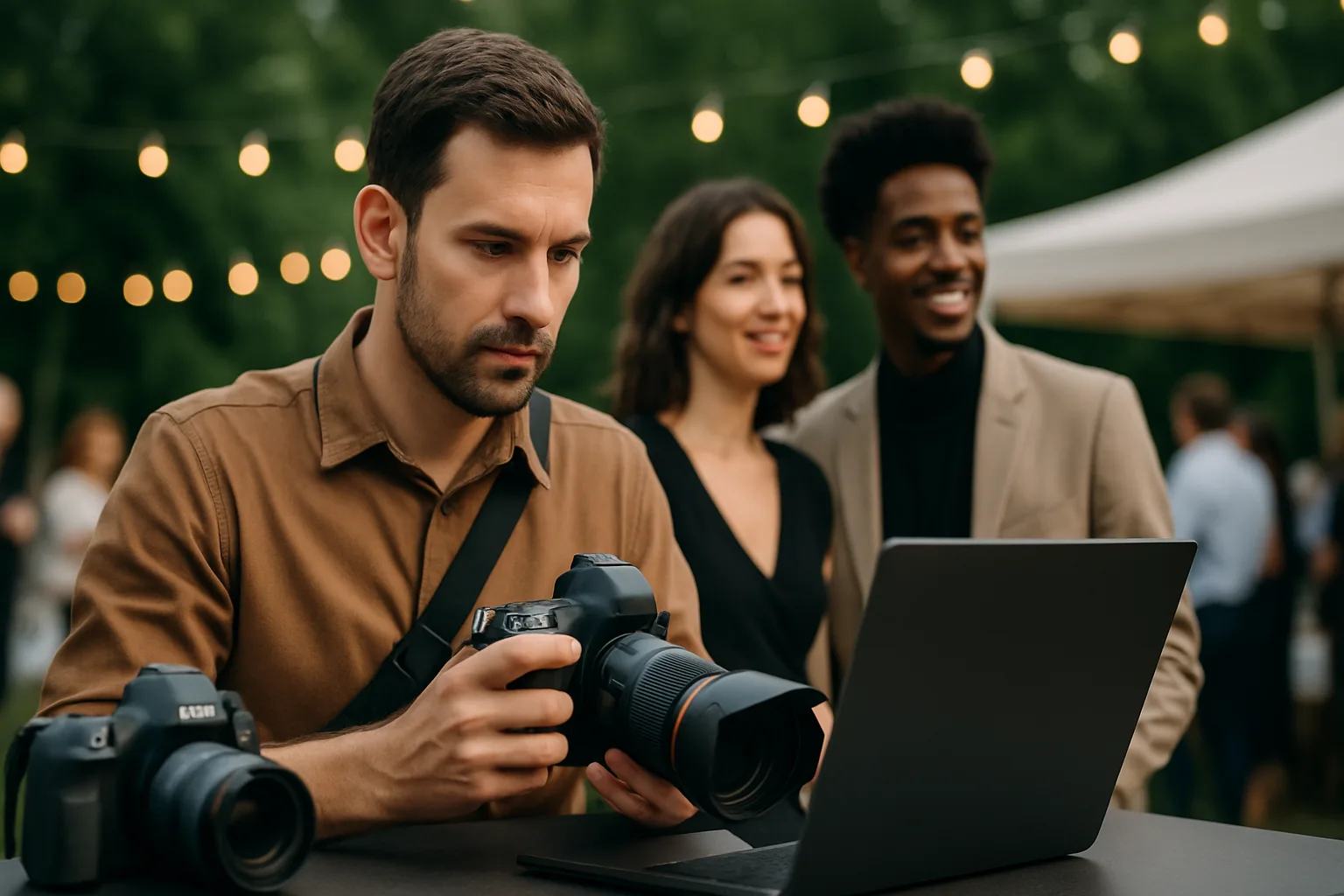
Import entire photo albums from Google Drive with a single click.
If you store your edited photos on Google Drive, importing them into SnapNest is effortless.
Connect your Google account, browse your Drive folders, and select the album you want to import. SnapNest handles the rest — downloading, processing, and organizing all your photos into the event gallery.
This is perfect for photographers who edit on desktop and store finals in the cloud. No need to re-upload thousands of images manually.
The import runs in the background, so you can continue working while files transfer. You will receive a notification when the import is complete.
Related Articles
Setting Up Your First Event Gallery
A step-by-step guide for new photographers getting started with SnapNest.
FTP Camera Tethering: The Ultimate Live Event Setup
Connect your camera via WiFi and auto-import photos to your gallery every 2 minutes.
Complete Guide to PIN-Protected Galleries
Learn how to secure your event galleries with separate Admin and Guest PINs.
AI photo gallery for photographers
Deliver event photos with face search, QR sharing, and WhatsApp — no Google Drive dump.
See the AI photo gallery